App guide
Work
Where your plans live: what needs your decision, the plan in effect page by page, the plans your AI suggested, every earlier plan and what you said not to pursue.
Work is the third section in the rail, at /sites/example.com/work; press g then w to jump to it. The badge beside it in the rail counts the decisions waiting on you. Saved records you open from Work, such as a plan, belong to this section too.
The context bar at the top is the same one Overview shows: the plan and scan in view, with Change to look at another. Below it are five tabs: Decisions · Plan in effect · Suggested plans · All plans · Not pursuing.
Decisions
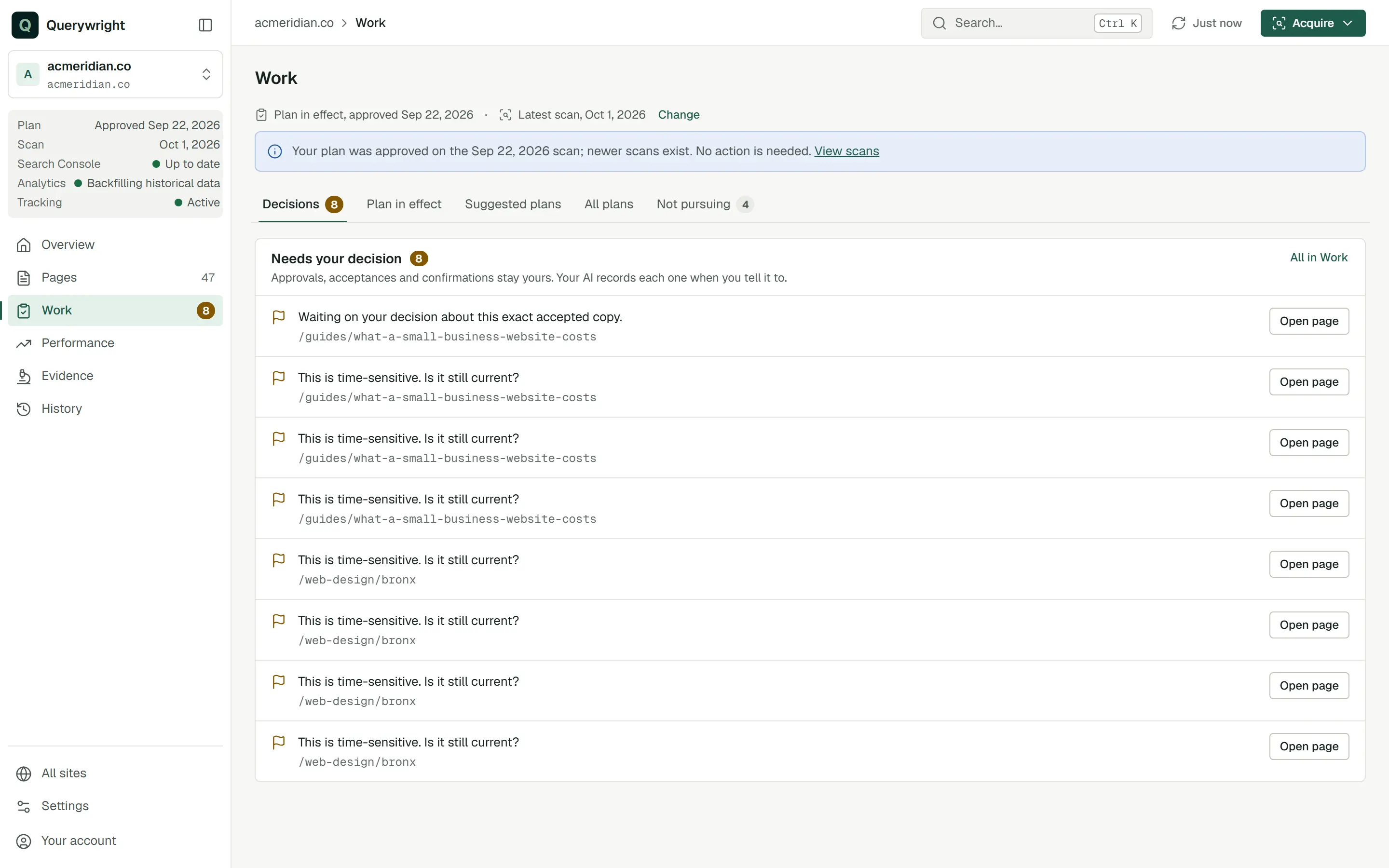
The full “Needs your decision” list, the same one Overview shows in short. Each decision is listed once, with its page and a button: Review plan, Open rankings or Open page. The tab’s badge counts the decisions. When nothing waits it says “Nothing is waiting on you”.
Plan in effect
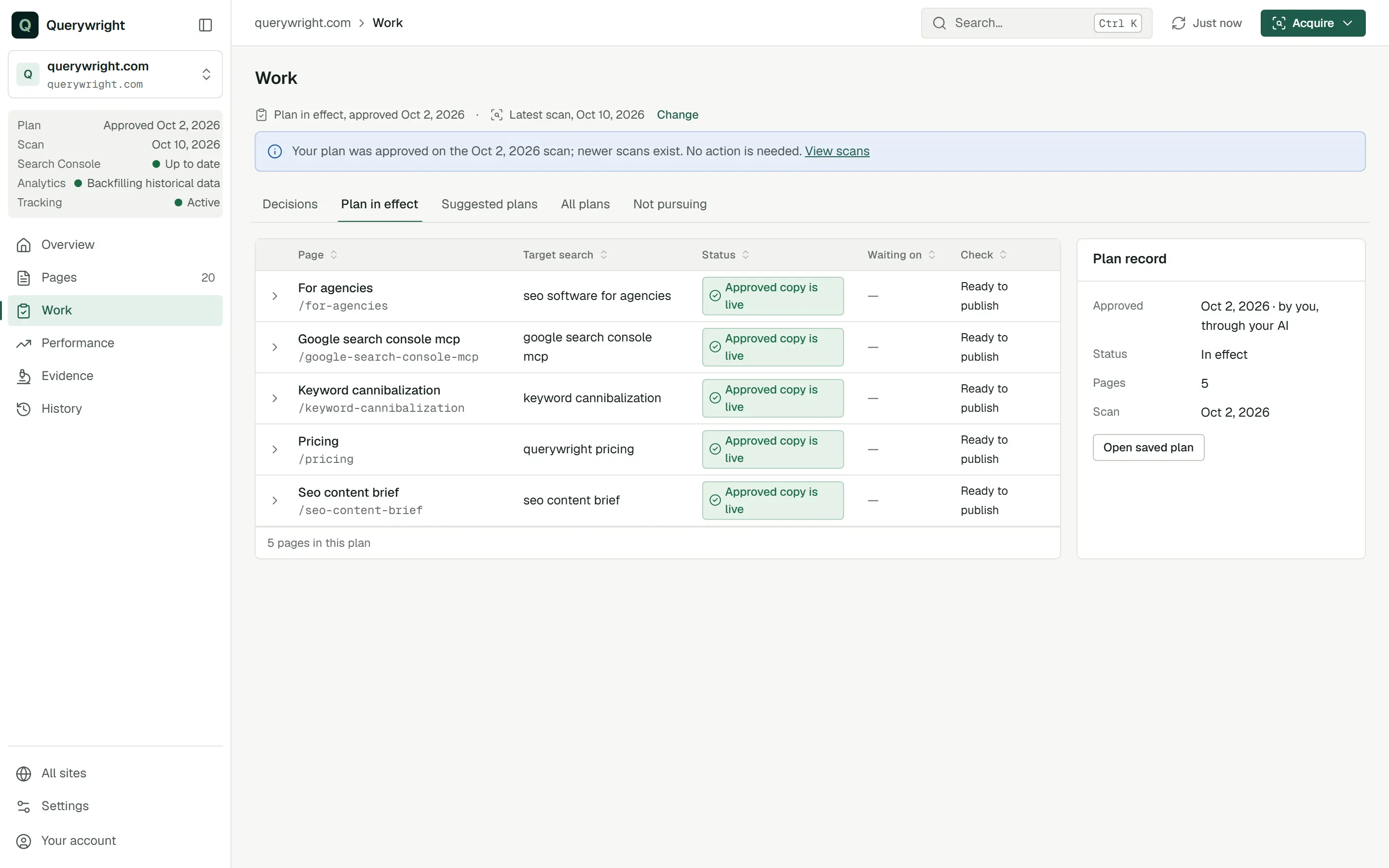
The pages your plan in effect assigns, one row each:
| Column | What it shows |
|---|---|
| Page | The page title and path. Select it to open the page. |
| Target search | The search the plan assigns to the page. |
| Status | The page’s work state. See Pages and page detail. |
| Waiting on | “You” with the number of decisions waiting on you, “Your AI” when the next step is your AI’s, or a dash. |
| Check | The latest check result, such as “Ready to publish” or “Needs fixes”. |
Expand a row to see its Content, Live page, Google index and Tracking lines, the next three steps with their actor tags, and a note when the copy was carried from an earlier plan that assigned the page in exactly the same way.
The Plan record panel beside the table shows:
- Approved: the date, “by you, through your AI”.
- Status: “In effect”, or “Selected (not in effect)” when you chose another plan under Change.
- Pages: how many pages the plan assigns.
- Scan: the date of the scan the plan was approved on.
Open saved plan opens the plan as it was saved. Saved records never change.
Without a plan the tab says “No plan in effect” and explains: “Your AI suggests a plan from the latest scan; you approve it through your AI.” Suggested plans opens the next tab.
Suggested plans
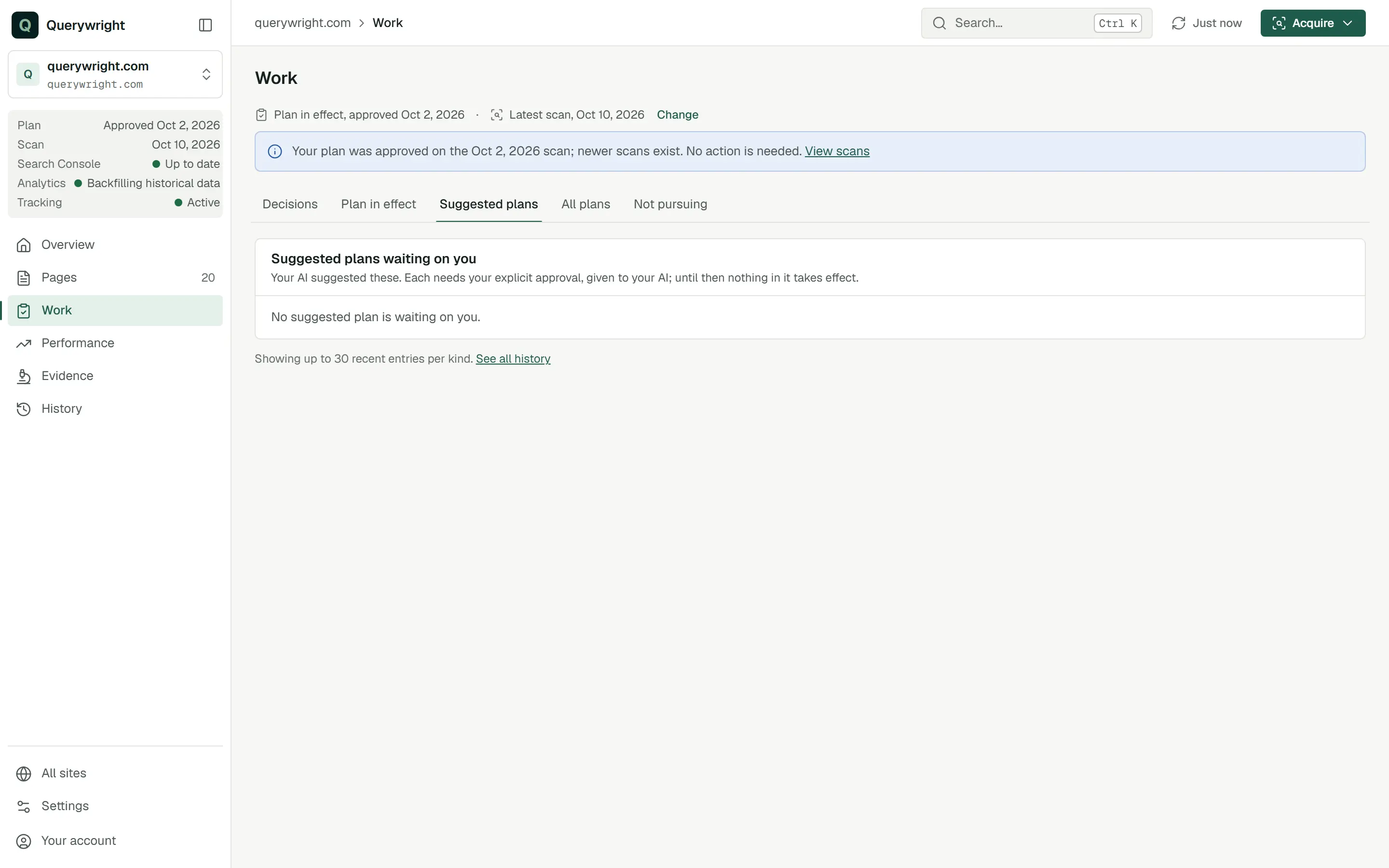
“Suggested plans waiting on you.” “Your AI suggested these. Each needs your explicit approval, given to your AI; until then nothing in it takes effect.” Select one to open it and read the target searches it proposes for each page. The tab’s badge counts them. When there are none it says “No suggested plan is waiting on you.”
I approve the plan you just showed me for /services/plumbing, exactly as shown. Record it.All plans
“Your current plan comes first and is the only one in effect. Suggested plans and earlier plans follow, newest first.” The plans are grouped under “Your current plan”, “Suggested plans waiting on you” and “Earlier plans and suggestions”. Each row carries its status:
| Tag | Meaning |
|---|---|
| Approved by you | A plan you approved through your AI. |
| Waiting on you | A suggested plan you have not decided on. |
| Declined | A suggested plan you told your AI you decline. |
| Not approved | A suggested plan that was never approved; a later plan was approved instead. |
Before any plan exists the tab says “No plans yet” and suggests pasting the starter prompt into Claude or ChatGPT. Suggested plans and All plans show up to 30 recent entries per kind; See all history opens History.
Not pursuing
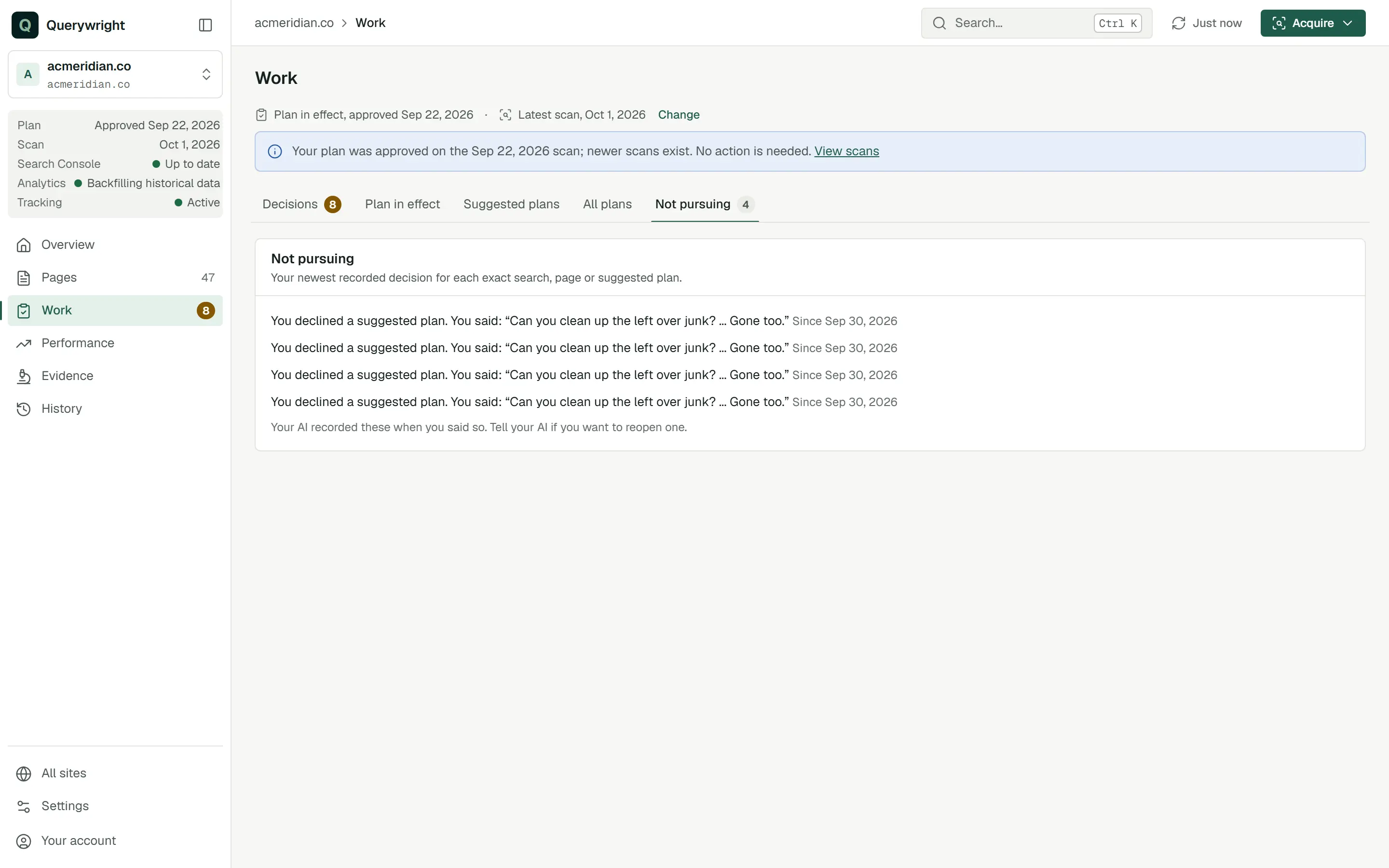
“Your newest recorded decision for each exact search, page or suggested plan.” Each line says what you are not pursuing and since when. “Your AI recorded these when you said so. Tell your AI if you want to reopen one.” Until you have said so it reads “You haven’t told your AI you’re not pursuing anything.” Only your 500 newest decisions are read here, and the tab says so when an older one may be missing.
Don’t pursue ‘cheap plumber’ for this site. Note that, and don’t suggest it again.Labels on this screen
| Label | Meaning | What to do |
|---|---|---|
| In effect | The plan the site’s work follows. Only one plan is ever in effect. | Nothing. |
| Selected (not in effect) | You chose another plan under Change to look at it. | Back to current in the context bar returns to the plan in effect. |
| by you, through your AI | You approved the plan and your AI recorded it. | Nothing. |
| Waiting on you | A suggested plan needs your decision. | Read it, then tell your AI whether you approve or decline it. |
| Declined | You told your AI you decline that suggested plan. | Nothing, unless you change your mind. |
| Not approved | The suggested plan was never approved and a later plan was. | Nothing. |
| Your AI | The page’s next step is your AI’s, not yours. | Ask your AI to continue. |
Last updated