Performance
Rankings
Where the pages you planned actually show up in Google. Querywright checks each planned search once a week on desktop and on mobile, and records what it saw rather than what it would like to conclude.
Rankings are weekly observations of where your site appears in Google for the target searches in your plan. For each planned page, Querywright checks its target search in Google organic results on desktop and, separately, on mobile, looks through the top 50 results for pages on your site, and saves what it found. Checks run in the location and language the search demand was measured in. Nothing is tracked until you turn tracking on for the site.
Rankings watch only searches that came through your own plan. They do not score your SEO, compare you with competitors, forecast anything or say why a position changed.
What Querywright records
Each tracked search has its own card in Performance › Rankings, with a Desktop section and a Mobile section. The two devices are separate series: each keeps its own position, history, first observed position and failed checks, and neither is used as a baseline for the other.
| Field | Meaning |
|---|---|
| Search | The target search, as you approved it in the plan. It is the card’s heading. |
| Page you planned for this | The page your plan says should own the search. |
| Position | The best position any page from your site held in that device’s most recent check, or what the check found instead. See Reading a check. |
| Change | The position compared with the first position Querywright observed: for example “+3 from first position” when it has moved up, “No change from first position”, or “No comparable position yet” until there are two positions to compare. |
| Last checked | When that device’s most recent check ran, successful or not. |
| Next | The earliest time the next weekly check can run, in UTC. Checks run on a schedule every four hours, so a check starts at the first run at or after that time. |
Above the cards, four counts summarize the site: searches tracked, device checks tracked, successful device checks this week, and device checks that didn’t finish. A line also says how many of the pages in your plan are tracked.
Each check is recorded from one saved observation of Google’s results. If the same search in the same context and on the same device was observed within the last 24 hours, the check reuses that observation instead of fetching it again.
Reading a check
Each device’s Position shows how its most recent check ended:
| Card shows | What happened |
|---|---|
| “#N”, such as “#12” | Your site appeared at that position. If the page you planned is the one ranking, the card says nothing more. |
| “#N” and a page that “shows up instead” | Your site appeared through a different page, and the page you planned did not appear. |
| “#N” and a page that “ranks above your planned page” | The page you planned appeared, and another page from your site placed above it. |
| “Not in top 50 yet” | Google returned all 50 results checked, and no page from your site was among them. The card adds that new pages can take weeks to appear. |
| “Not in the N result pages returned” | Google returned fewer results than the 50 asked for, and your site was not in them. Querywright does not say whether it is in the top 50. |
| “Not found in this check (depth unknown)” | Your site was not found, and how deep the results went is not known, so nothing is said about the top 50. Checks before September 25 did not keep their results and read this way. |
| “Check didn’t finish” | Querywright did not get a usable answer. Nothing is known about that week’s position. |
| “Not checked yet” | The search is tracked and has not been checked yet. |
View desktop history and View mobile history open every check for that device, with its date, how it ended, the position and the page that ranked.
Page ownership
Because your plan says which page should own a search, Querywright can tell you whether the page that ranks is the page you meant. Each check records the pages from your site in the results, so the history can show:
- the planned page ranking, which is what you approved;
- another page from your site ranking instead of it;
- another page from your site ranking above it, with both present;
- the planned page later taking the search back, with the date;
- your site appearing in the results for the first time, or dropping out of them.
A different page of yours outranking the planned one is ownership drift. It can mean two of your pages compete for one search, or that Google does not yet find the planned page the most relevant. It is a fact about which page appeared, not a verdict. See keyword cannibalization for that question in depth. Ordinary movement of a few positions from week to week is recorded and not treated as an event.
When the baseline says Unknown
A baseline is where a page stood before the work. Querywright shows one only when it has an earlier observation of its own. If tracking began after the copy was already published, there is no before, and the baseline reads “Unknown”.
The first check after you turn tracking on is not a baseline. It is the first position Querywright saw, at a moment already after the change, and the history says so: “The first check is the first position we saw. It doesn’t establish a before-and-after baseline.” Treating it as a starting point would manufacture an improvement that was never measured.
Which pages qualify
A planned page joins tracking when all of these are true:
- it is in a plan you approved, with its target search measured in a specific location and language;
- it has approved copy;
- its check did not come back “Needs fixes”, or a live comparison found the approved copy on the live page and found the page open to indexing.
If a live comparison has been made and did not find the approved copy, the page waits for a later comparison that does. A page in your plan that does not qualify shows “Not eligible yet” on its Tracking line, with the reason beside it.
A site can track up to 50 planned searches, each checked on both devices. If a later plan moves a search to a different page, tracking follows the new page once it qualifies; the earlier series is retired with every observation intact, and the new page starts its own series.
Turning it on
- Publish the page first. A check that came back ready means the copy was checked before it shipped, not that it is live. The App says the same: “Passing a check doesn’t mean a page is live.”
- In Performance › Rankings, press Enable rank tracking, or ask your AI to start weekly rank tracking for the site. Both do the same thing.
- Read which pages qualified and which did not, and why. Your AI can list the exclusions.
- After approving and checking new work, press Update from your current plan to bring it in. A device that has never been checked offers Check desktop now or Check mobile now if you would rather not wait.
Stop weekly tracking stops the checks for the site and frees one of your 10 tracking sites. Past observations remain available. Retry, when a read fails, re-reads stored rankings only; it never starts a new Google check.
Start weekly rank tracking for example.com. Tell me which pages qualify and which don’t, and why.What it does not claim
Where it shows in the App
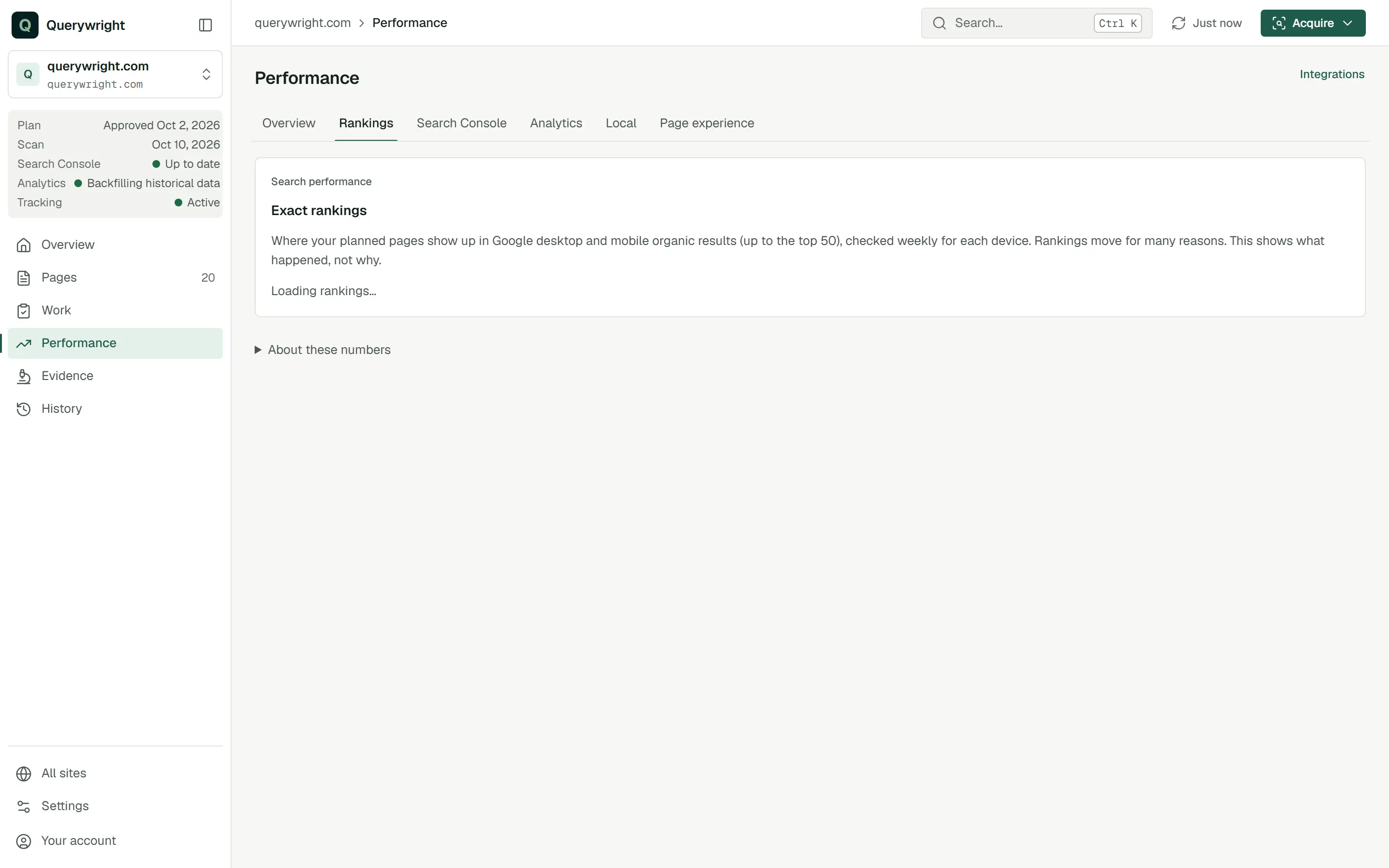
- Performance › Rankings holds the summary counts, a card for each tracked search and each device’s history.
- Performance › Overview shows how many desktop and mobile checks are in the top 10, and how many checks are tracked.
- On a page, the Tracking line reads “Active” with the next check date, “Starts at the next scheduled run”, “Needs your decision” when the site is not enrolled, or “Not eligible yet”. The page’s Performance tab shows each device’s position and history.
How are my tracked pages doing on desktop and mobile this week? Call out any search where a different page of mine is showing instead of the one we planned.What you decide
Does it use allowance?
Rank tracking has its own included limits: up to 10 sites with tracking on at once, and up to 50 tracked pages on each. Settings › Usage shows how many sites are active. Reading rankings, in the App or through your AI, uses nothing. Your AI asks before turning tracking on. See allowances.
Last updated